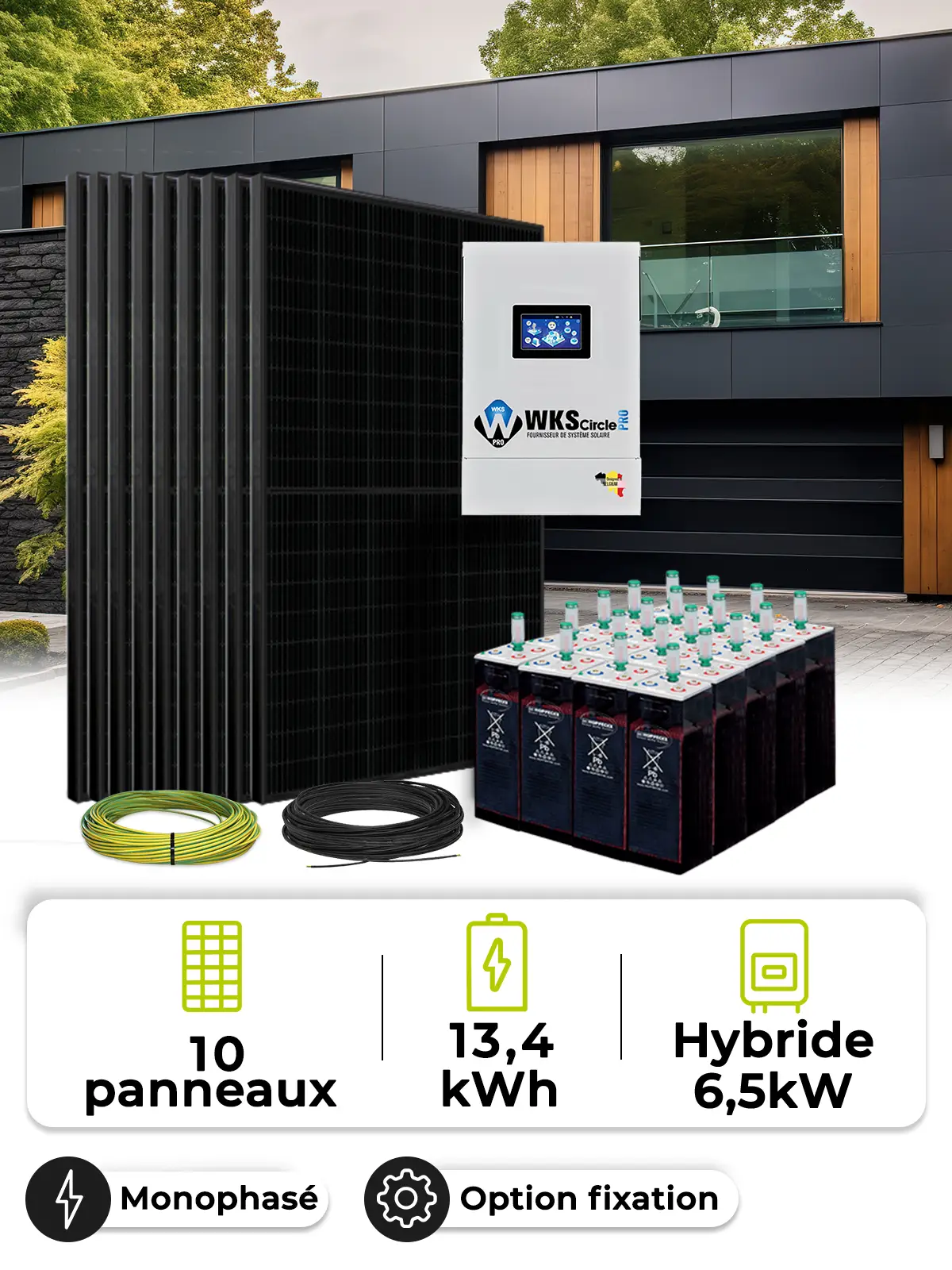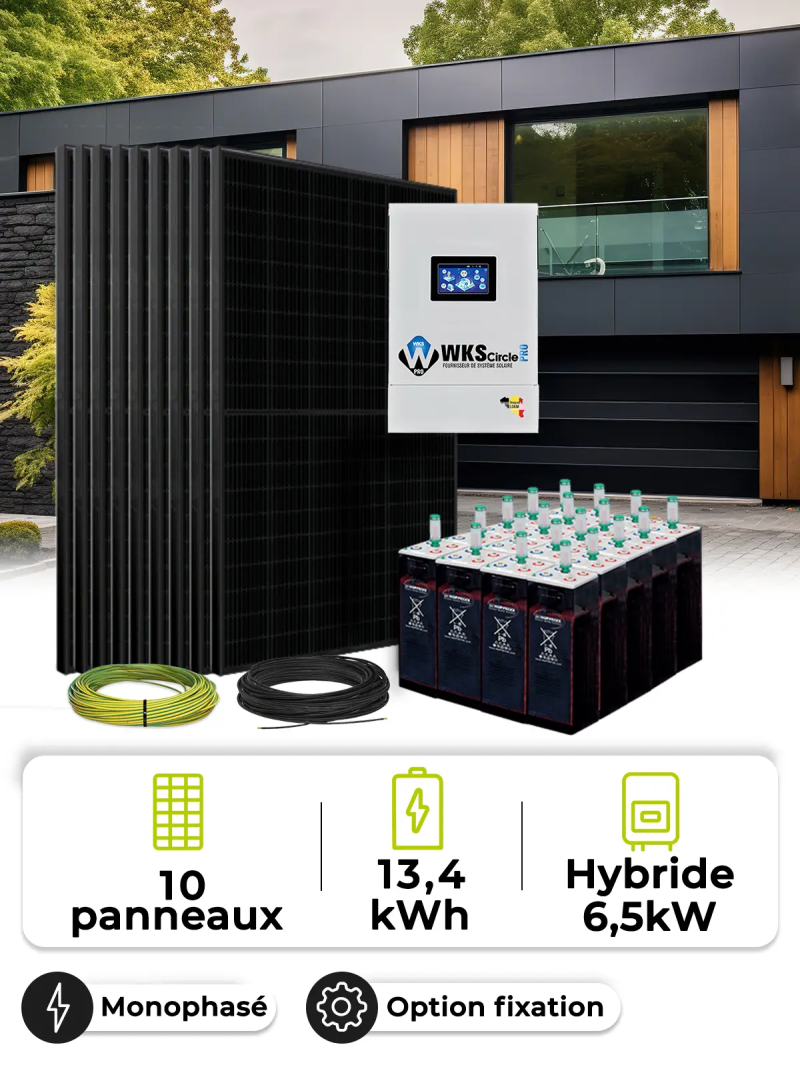
Self-consumption kit 10 panels 5kVA OPZS

Self-consumption kit 12 panels 5kVA OPZS

€6,881.17
Tax included
config-ac-10pan-5kva-OPZS
0712971137691

High-Performance Hybrid Solar Kit: Maximum Energy Independence

Discover our hybrid solar kit designed to offer you total energy independence. With its 10 high-performance solar panels and robust storage system, this kit allows you to produce and store your own electricity.

Key Benefits:

  • Energy Independence: Use your solar energy even when the sun isn't shining.
  • Reliability: Superior quality materials ensure a long lifespan.
  • Flexibility: Adaptable to all types of consumption and installations.
  • Savings: Drastically reduce your electricity bill.

Estimated Production and Savings:

With its 10 solar panels of 445Wc, this kit can produce approximately 4 895 kWh of electricity per year (estimate for central France). This could result in potential savings of around €1 468.5 per year (based on an electricity price of €0.30/kWh).

Why Choose This Kit?

  • Efficient Storage: Lead-acid batteries provide large storage capacity.
  • All-in-One: Complete and ready-to-use kit.
  • Easy Installation: All components are pre-configured.

Customization:

We offer tailor-made solutions to meet all your needs. Don't hesitate to contact us for a personalized study.

Ready to achieve energy independence? Request your free quote now!

This kit includes
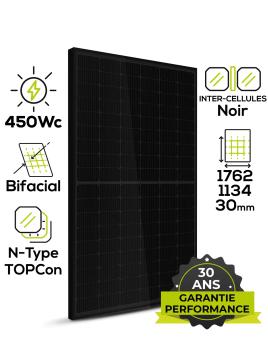
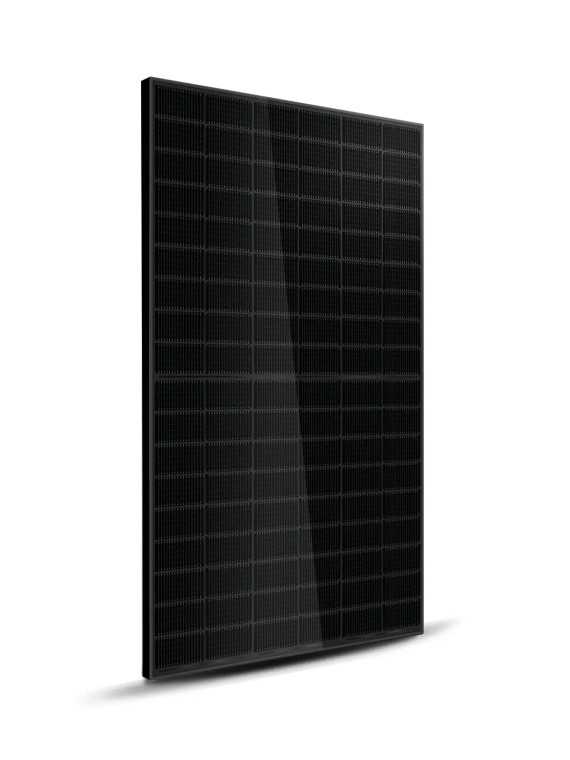
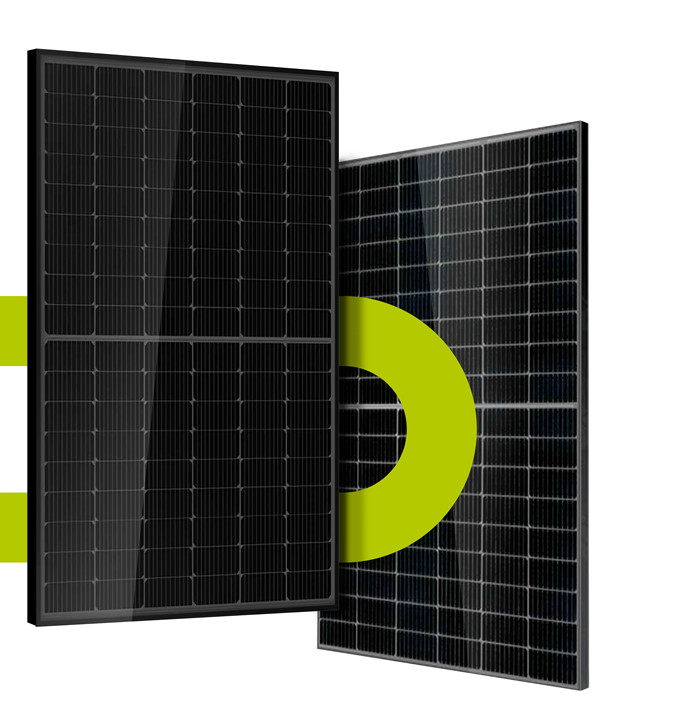
  • 10XHT-SAAE Jupiter 450W Bifacial N-Type TOPCon | Full Black Premium High-Performance Solar Panel
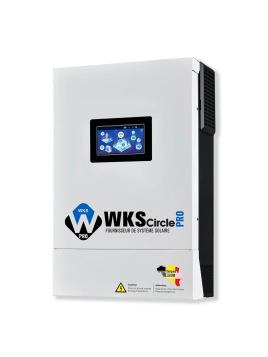
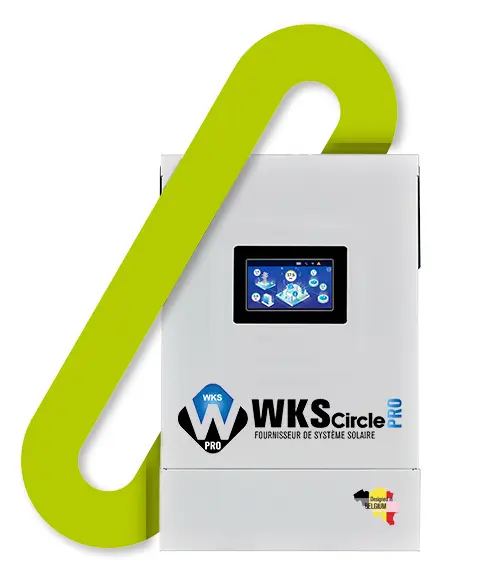
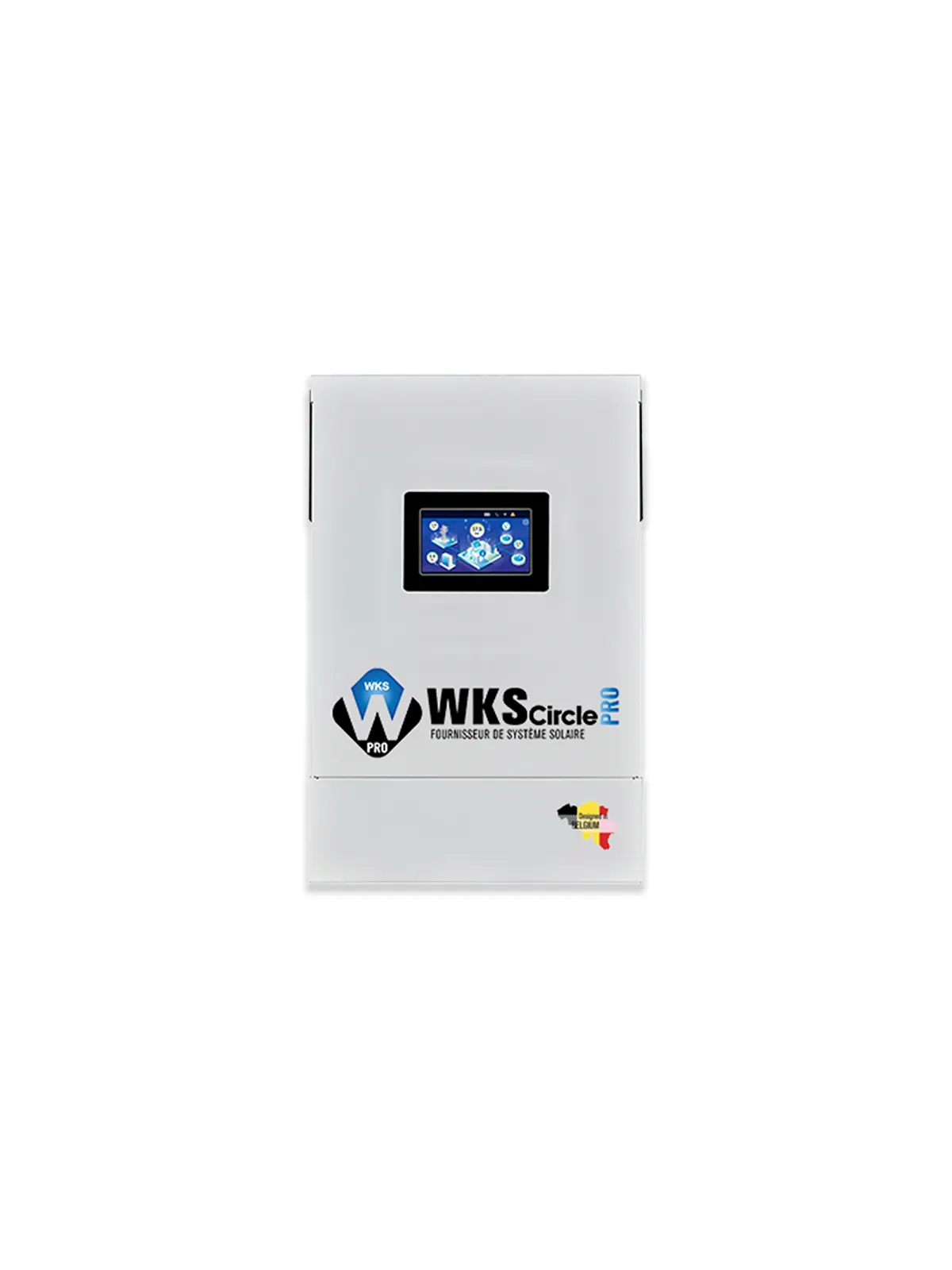
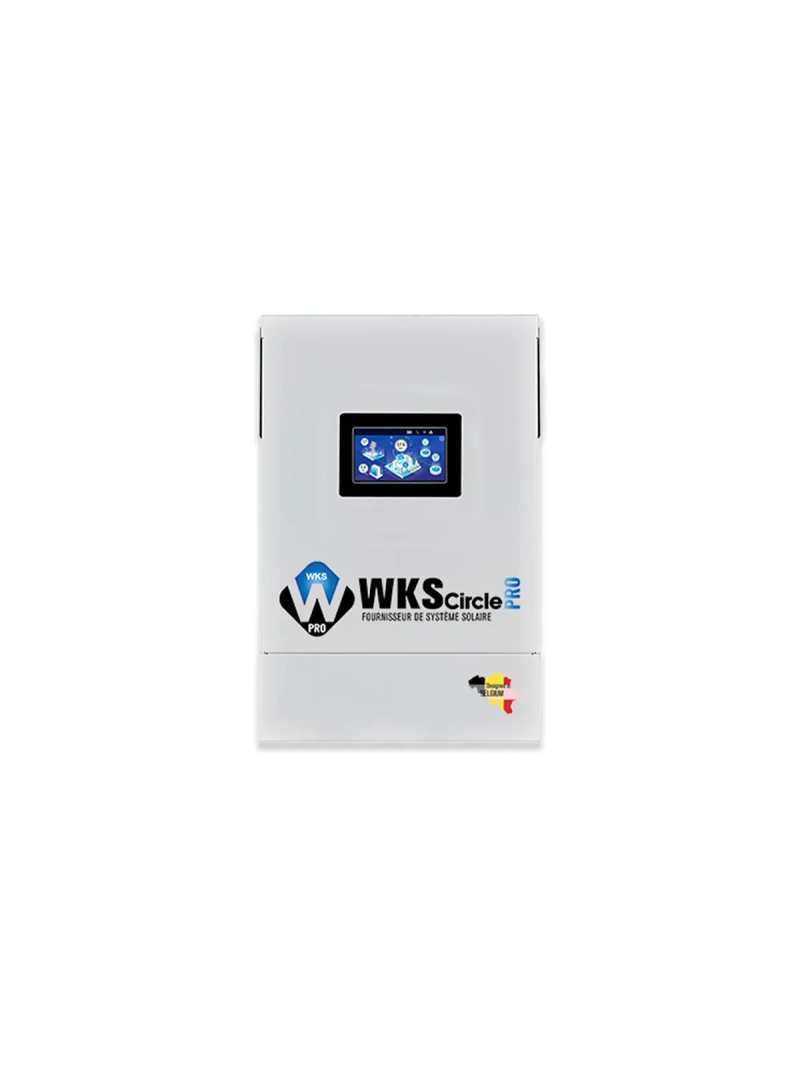
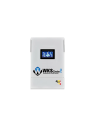
  • 1XWKS Evo Circle PRO 6.5 kVA 48V Hybrid Inverter | Innovation and Performance
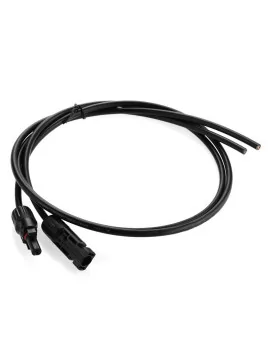
  • 1X2X4mm2 solar cable with MC4 type (sold per metre)
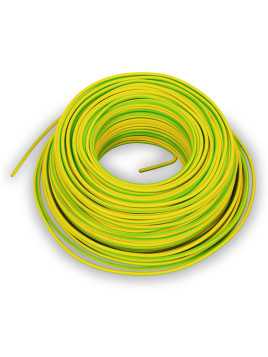
  • 1X6mm² earth cable (sold by the meter)
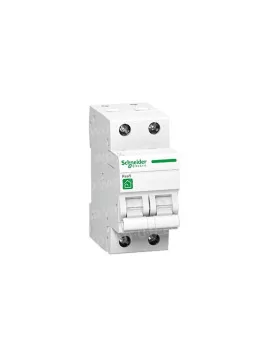
  • 1XSchneider single-phase 25A circuit breaker
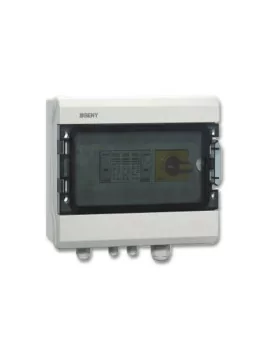
  • 2XZJBENY DC single 1 input and 1 output 1000V 32A surge protection cabinet
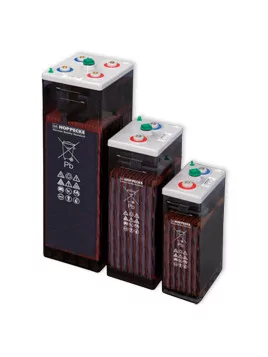
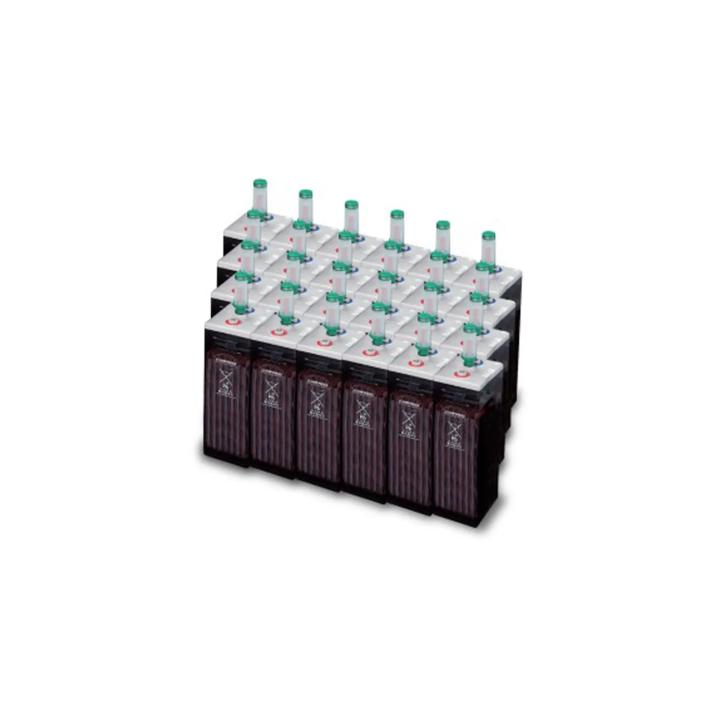
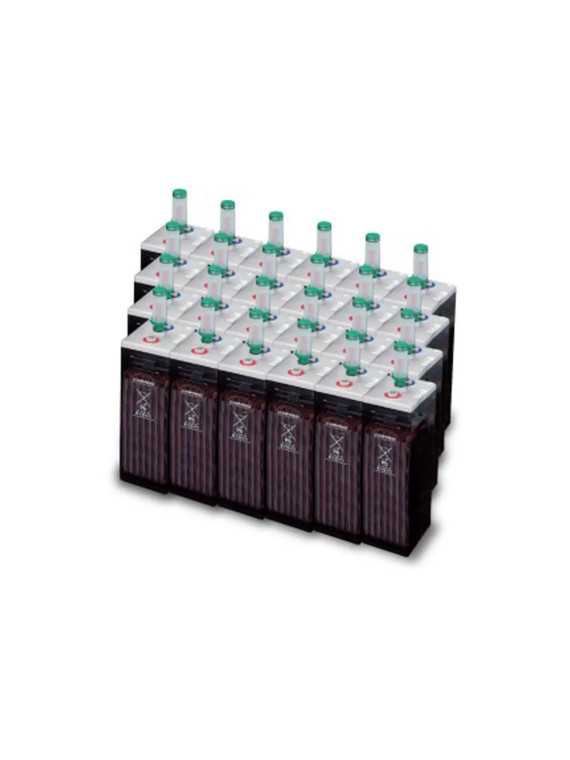
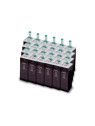
  • 24XHoppecke OPzS solar.power battery
Request a quote

Select products from the sections below
Panneaux
info
Choix de l'onduleur
info
Choix du système de montage
info
No product selected
No products selected
Price per unit
€0.00  (Tax incl.)
Câblage et connectique
info
2X4mm² Solar cable with MC4 (by the metre)
2X4mm2 solar cable with MC4 type (sold per metre)
Price per unit
€59.29  (Tax incl.)

Cable length

Câblage et connectique
info
6mm² earth cable (sold by the meter)
Price per unit
€50.60  (Tax incl.)

Earth cable

Protections et accessoires AC
info
Schneider Breaker mono 25A
Schneider single-phase 25A circuit breaker
Price per unit
€19.40  (Tax incl.)
Protections et accessoires DC
info
Choix des batteries
info
Hoppecke OPzS solar.power battery
Price per unit
€197.30  (Tax incl.)

Hoppecke OPzS

Accessoires batteries
info
No product selected
No products selected
Price per unit
€0.00  (Tax incl.)

Comments (0)

No customer reviews for the moment.

The sun, a resource available to all.
Choose simplicity and efficiency with our solar kit .


Choose from a range of options to create an energy system that's just right for you. Whether you're looking to power an isolated site or a stand-alone installation, this kit has been designed to meet your needs.

All our kits are configurable. In the options you can click on the product to choose another model or change the quantities to adapt the kit to your needs. You can also see the details of the chosen products directly below the price.

This kit is sized with the general purpose of supplying an isolated site or a stand-alone installation.

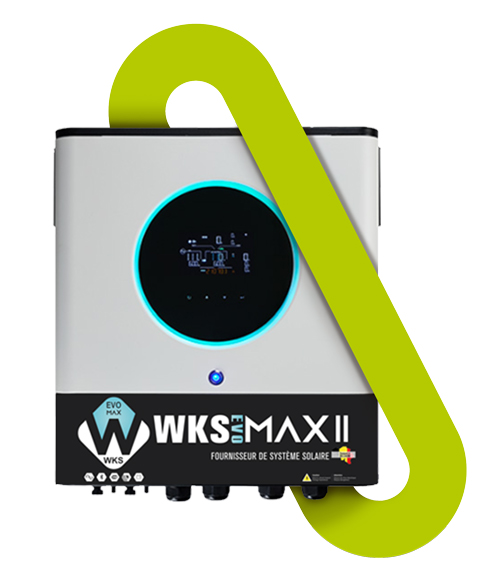
The basic composition of the kit contains 10 solar panels, a WKS Circle 5.6 kVA Single Phase Inverter, the solar cables to connect the panels to the inverter and from the inverter to your electrical panel, the panel mounting system is available as an option. (The mounting system as well as the wiring and protections can be modified to meet your needs).
 

icone-panneaux-solaire-newwun3.png

Solar panels

Présentation panneaux solaires

Discover the solar jewel in our kit! Selected from the latest technologies, this panel offers unrivalled efficiency.

See its product sheet in our panels section to find out more.
And don't forget, we offer you the flexibility to choose the panel model you prefer.


We invite you to consult our solar production simulator to determine exactly what your solar production will be.

Different cell types 


Icone cellule

Perc
(Passivated Emitter and Rear Cell)

Icone cellule

N-Type

Icone cellule

HJT

Efficacité

Efficiency

Approximately 19-22% Approximately 20-23%. Environ 21-24%

icone euro

Cost

Moderate High Very high

Icone température

Temperature coefficient

Approximately

-0.3 à 0.4% per °C
Approximately

-0.3% per °C
Approximately

-0.2% Per °C

Icone dégradation

Annual degradation

Approximately 0.5 - 07% Approximately 0.4 - 0.5% Less than 0.5%

icone durabilité

Durability

Good Very good Excellent

see panels


séparation

Hybrid inverter

A grid-interactive hybrid inverter is an essential device in solar energy systems for converting electricity generated from renewable sources into grid-compatible alternating current (AC).

Présentation onduleur WKS EVO CIRCLE

WKS EVO Circle 5.6kVA

Discover the energy revolution with the WKS EVO Circle, a new-generation solar inverter for intelligent, high-performance power supply. Thanks to its advanced MPPT controller, it optimizes battery charging by adjusting the DC power of your solar panels. No more low battery worries! Its transformerless design guarantees reliable power conversion, all in a compact format that fits into any space.

Cutting-edge technology: With a pure sine wave MPPT solar inverter, you benefit from stable, high-quality current to power all your appliances.

Personalized control: The LED status ring with RGB lights enables instant, personalized visualization of inverter status, adding a touch of modernity and user-friendliness.

Intuitive monitoring: Thanks to integrated Wi-Fi and the dedicated mobile app, monitor and control your UPS in real time, with the option of customizing settings and viewing recorded data.

Versatility and reliability: The inverter offers a wide DC input range, stored data log events and can operate in parallel with up to 9 units, ensuring optimum performance and constant availability.

Adaptive use: You have the power to choose how your UPS operates, thanks to timer-configurable mode options, enabling you to optimize your energy consumption according to your needs.


SEE PRODUCT


BARRE3-separation-IMG-produit.jpg

icone-batterie-Page-produit-NEWWUN.png

Battery


Hoppecke OPzS solar.power

The OPzS battery is a robust and durable energy storage solution, specially designed for intensive cyclic applications, particularly in the field of renewable energy. Thanks to its sturdy construction and proven technology, this battery offers a long lifespan and high reliability.

  • Reliability and Durability: Reinforced tubular plates and high-quality materials ensure a long lifespan and resistance to deep charge cycles.
  • Optimal Performance: The OPzS battery is designed to operate in challenging conditions and delivers high efficiency, even during prolonged discharges.
  • Flexibility of Use: With its versatility, the OPzS battery is suitable for a wide range of applications, from backup power systems to rural electrification projects.
  • Low Maintenance: The technology used reduces maintenance needs, simplifying the use of the battery.

Voir produit

séparation

Customization

Options câble et connecteurs, montage et garantie


icone-consommateurs--solaire-newwun2.png

config-ac-10pan-5kva-OPZS

Data sheet

Solar kit type
Kit 230V AC avec batterie
Inverter power
5600 VA
Kit output voltage
230V
Type of need
Self-consumption
Battery storage
With storage
Wind turbine
Without
Number of panels
10 panels
Voltage
230V
Battery
Kit with battery
Panel type
Rigids
Mains re-injection
off-grid
Video Youtube 1 - ID
PN88fkCauDo

Specific References

UPC
712971137691
EAN13
0712971137691
New
MCU Update Procedure for Inverters - Corrected Version

MCU Update Procedure for Inverters

Professional Version - Technical Document

Introduction

This document details the complete procedure for performing a Microcontroller (MCU) update on inverters. This operation is essential to maintain optimal equipment performance and integrate the latest software improvements.

A correctly performed update ensures proper inverter operation and extends its lifespan. It is crucial to follow this procedure step by step to avoid any malfunction.

Safety Warnings

CRITICAL ATTENTION

An interrupted update can render the inverter unusable.

Do not disconnect power from the computer or inverter during the procedure.

Avoid putting the computer to sleep during the update.

Ensure your computer battery is sufficiently charged or the computer is plugged into mains power.

Back up all important data before starting the procedure.

Prerequisites

Required Hardware

A computer with an available USB port
USB to RS232 cable provided by us
RS232 to RJ45 cable provided with the inverter
The inverter to be updated
Update files (MCU and DSP) previously extracted

Required Software

"Remote Panel Reflashtool" software installed
Update files decompressed and ready to use
Initial Configuration

Preliminary Checks

Ensure that the update files have been extracted from their compressed archive
Disable automatic sleep mode on your computer to avoid any interruption
Detailed Procedure

1 Inverter Preparation

Stop certain inverter functions:

Completely disable the inverter output
Stop photovoltaic panel (PV) power supply
Keep battery and grid power active to allow communication

Check inverter status:

Ensure the inverter screen is on and functional
Verify that no critical alarms are active

2 Computer to Inverter Connection

Connect the USB cable to the computer:

Use an available and functional USB port
Wait for the operating system to detect the new device

Identify the assigned COM port:

Open Windows Device Manager
Expand the "Ports (COM & LPT)" section
Note the COM port number assigned to the newly connected device
This number will be needed for the update software configuration

Connect the other end of the cable (RJ45) to the inverter COM port:

Ensure the connection is firm and secure
Verify that the inverter recognizes the connection (usually indicated by a light or screen message)

3 MCU Update

Launch the update software:

Run the "Remote Panel Reflashtool" application
Wait for the main interface to display completely

Software configuration:

Select the previously identified COM port in the software settings
Verify that the communication speed is correctly configured (usually automatic)

Update initiation:

Click the "Update MCU" button in the software interface
Select the previously extracted MCU update file
Confirm your selection to start the process

Update monitoring:

Observe the update progress on the computer screen
Do not touch any equipment during this phase
Ensure the computer does not go to sleep
Typical update duration is 5 to 15 minutes depending on the inverter model

MCU update completion:

Wait for the confirmation message indicating the update is complete
Click "EXIT" in the software to properly close the update session

4 DSP Update (if necessary)

Preparation for DSP update:

Keep the inverter and computer connected
Ensure the inverter is still properly powered

DSP update procedure:

Restart the "Remote Panel Reflashtool" application if it was closed
Follow a similar procedure to the MCU, but select the DSP update file
Follow the on-screen instructions to complete this second update
Post-Update Verification

Version Control

Check in the inverter menu that the new firmware version is properly installed
Confirm that the update date matches the operation you just performed

Functional Test

Progressively reactivate all inverter functions
Verify that the inverter output works correctly
Reactivate photovoltaic panel power supply
Observe operation for several minutes to ensure stability
Common Troubleshooting

Inverter does not detect the connection

Check that the cable is properly connected on both sides
Try another USB port on the computer
Restart the inverter and computer

Update failure

Note the displayed error code
Verify that you are using the correct update files for your inverter model
Contact technical support providing the error code

Computer does not recognize the device

Install or reinstall the necessary drivers
Try another USB cable if available
Check in device manager if the device appears with an exclamation mark
Glossary

MCU

Microcontroller, the main "brain" of the inverter

DSP

Digital Signal Processor, processor specialized for signal processing

COM Port

Serial communication port used for connection between computer and inverter

RS232

Serial communication standard for data transmission

Technical Support Contact

In case of persistent difficulty or technical questions, our support team is at your disposal:

Please have your exact inverter model and any error codes available when contacting us.
Technical Document - Inverter MCU Update | Corrected Version

Follow this procedure carefully to ensure proper equipment operation

Loading...