
High-Power Inverter and Battery Kit: Take Control of Your Consumption
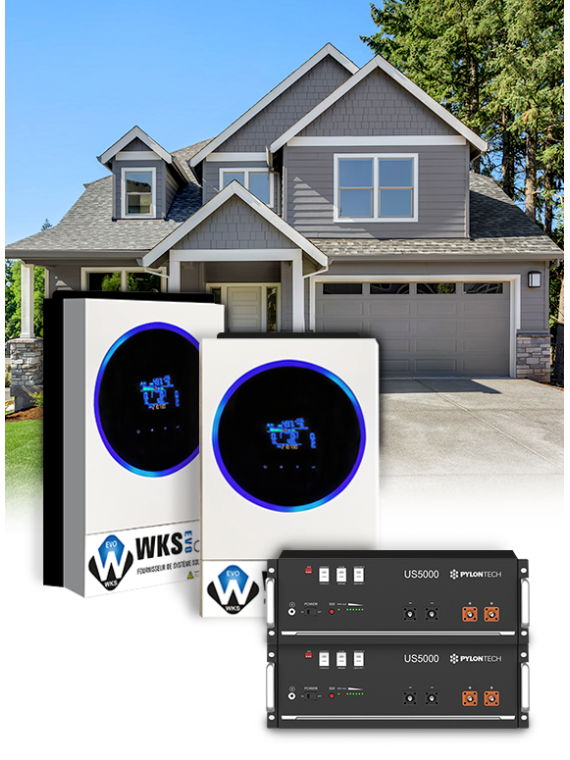
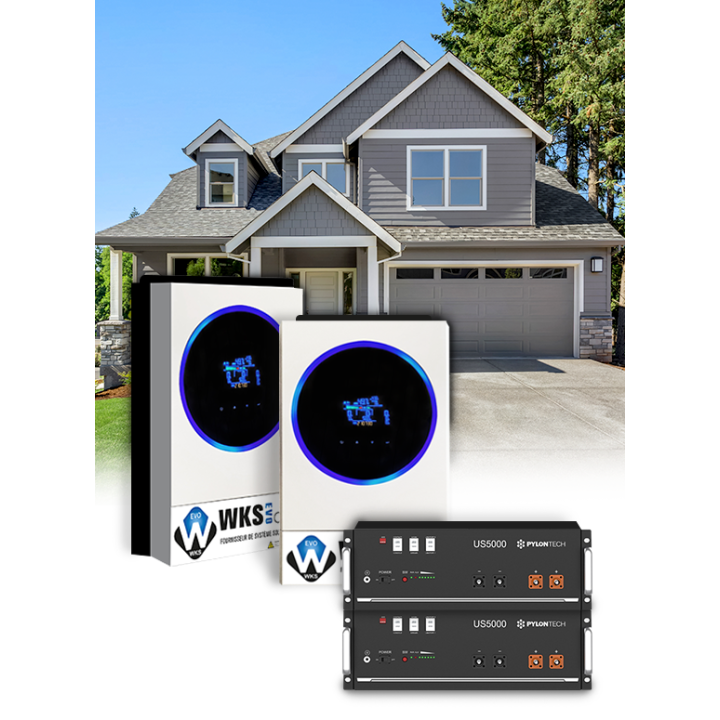
This solar kit is designed for high-consumption households seeking maximum energy independence. With its two WKS Evo Circle 11.2 kVA hybrid inverters and two Pylontech lithium batteries, it offers significant electricity production and optimized storage.
Key Advantages:
How It Works:
Solar panels (not included) generate electricity that is converted into alternating current by the inverters. The excess energy is stored in the lithium batteries. You can then use this stored energy when solar production is insufficient or during off-peak hours.
Why Choose This Kit?
Our experts are available to assist you with your project and offer a personalized study.
This kit includes
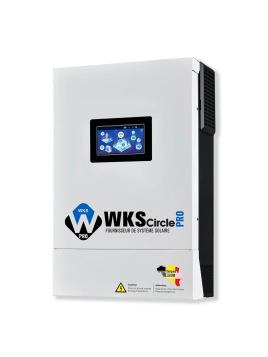
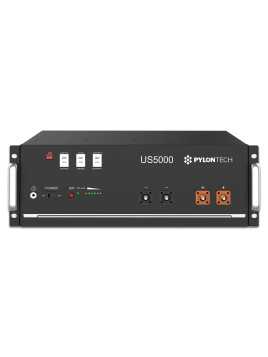
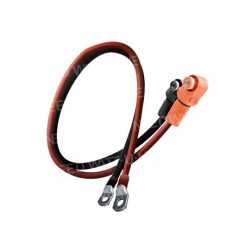
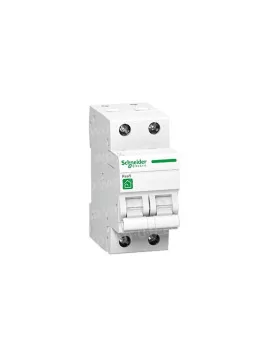
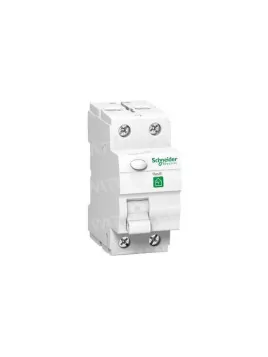
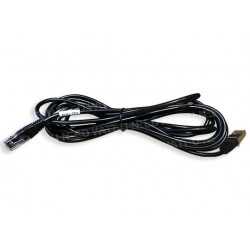

Combining the WKS Evo 5.6 kVA 48V hybrid inverter with a Pylontech battery bank is a smart choice for both residential and commercial solar installations. This combination ensures optimal energy efficiency, intelligent energy management, and increased system reliability. Pylontech batteries, renowned for their long lifespan and stable performance, perfectly complement the advanced technology of the WKS Evo inverter, providing a sustainable and cost-effective power solution.
All our packs are configurable. In the options, you can click on the product to choose a different model or change the quantities to adapt the kit to your needs.
You can also see the details of the selected products directly below the price.
 |
Important notice for our customers in Belgium : An environmental levy of €114.73 excluding VAT will be applied to the purchase of each Pylontech US5000 lithium battery. |
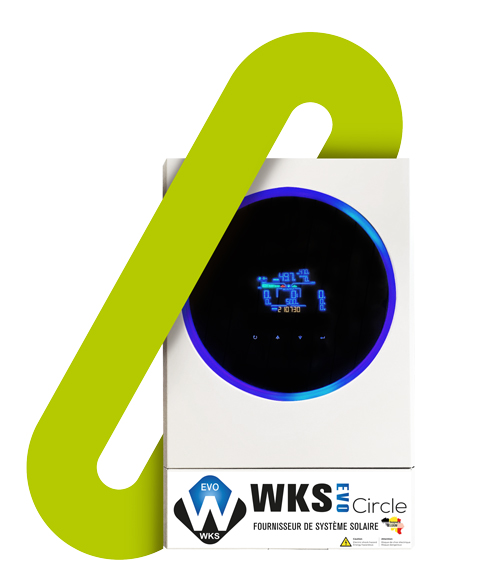
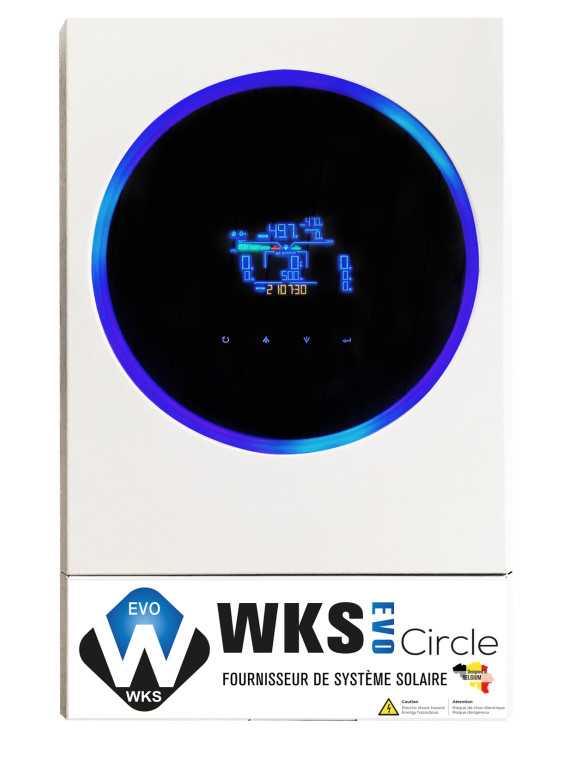
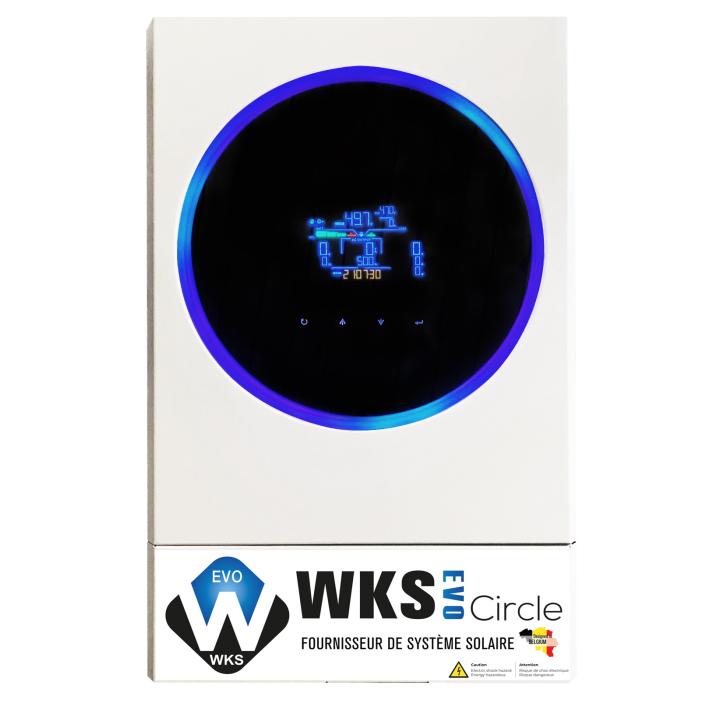
Discover the energy revolution with the WKS EVO Circle, a next-generation solar inverter that provides smart, high-performance power. Thanks to its advanced MPPT controller, it optimizes battery charging by adjusting the DC power output of your solar panels. Say goodbye to low battery worries! Its transformerless design ensures reliable power conversion, all in a compact format that fits any space.
Advanced technology: With a pure sine wave MPPT solar inverter, you benefit from stable and high-quality current to power all your devices.
Customizable control: The status LED ring with RGB lights allows for instant and customized visualization of the inverter status, adding a touch of modernity and user-friendliness.
Intuitive monitoring: Thanks to built-in Wi-Fi and the dedicated mobile app, monitor and control your inverter in real time, with the ability to customize settings and view recorded data.
Versatility and Reliability: The inverter offers a wide DC input range, stored data log events and can operate in parallel with up to 9 units, ensuring optimal performance and constant availability.
Adaptive use: You have the power to choose how your inverter works, thanks to timer-configurable mode options, allowing you to optimize your energy consumption according to your needs.
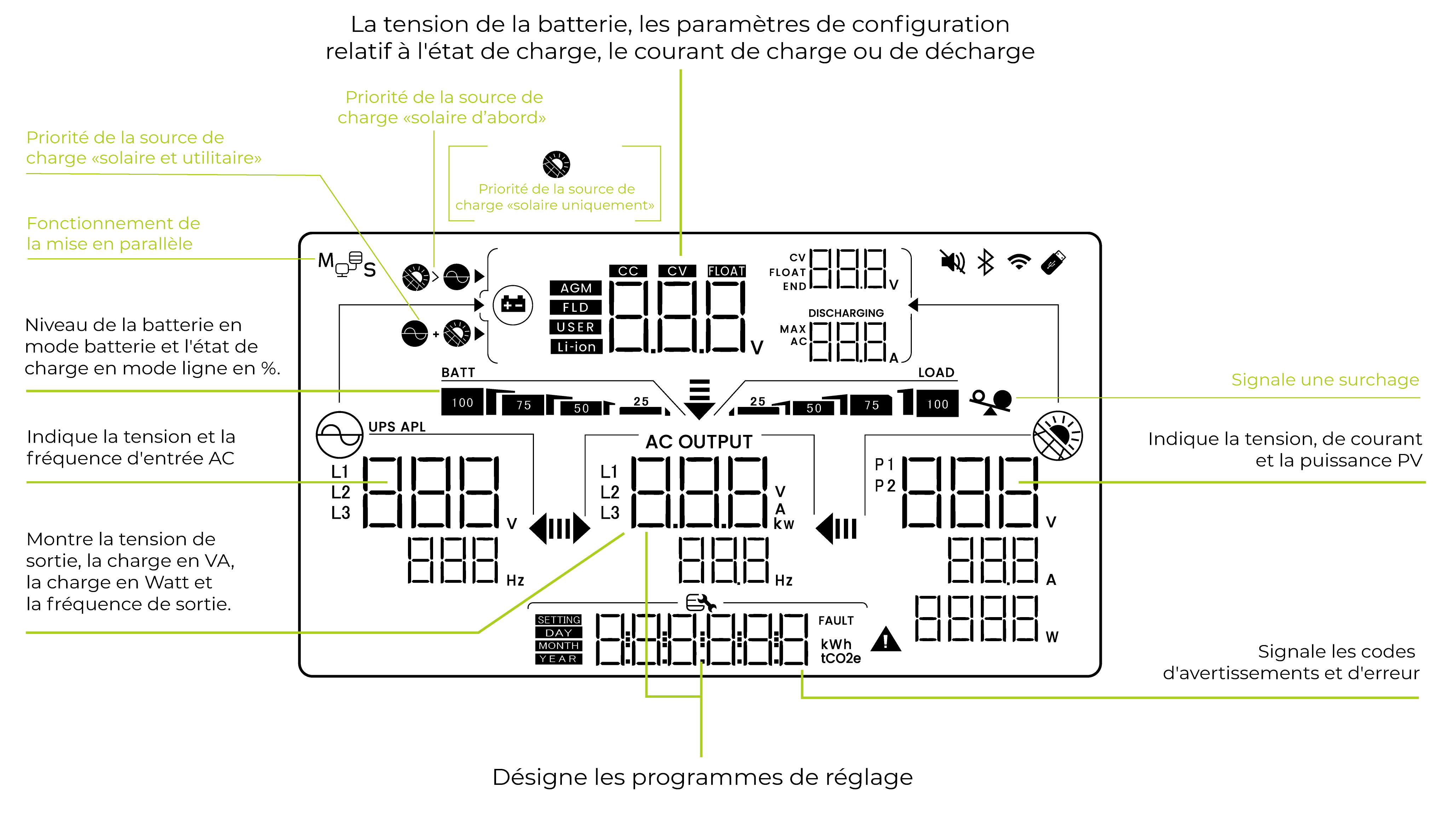
The inverter display screen plays a crucial role in monitoring and managing your system. By providing real-time information on solar energy production, energy consumption, and system status, and by displaying error or alert messages in case of malfunctions, this screen allows users to track and optimize the performance of their solar installation. Furthermore, it offers parameter setting and configuration features, making it easy to customize the system to meet specific needs.

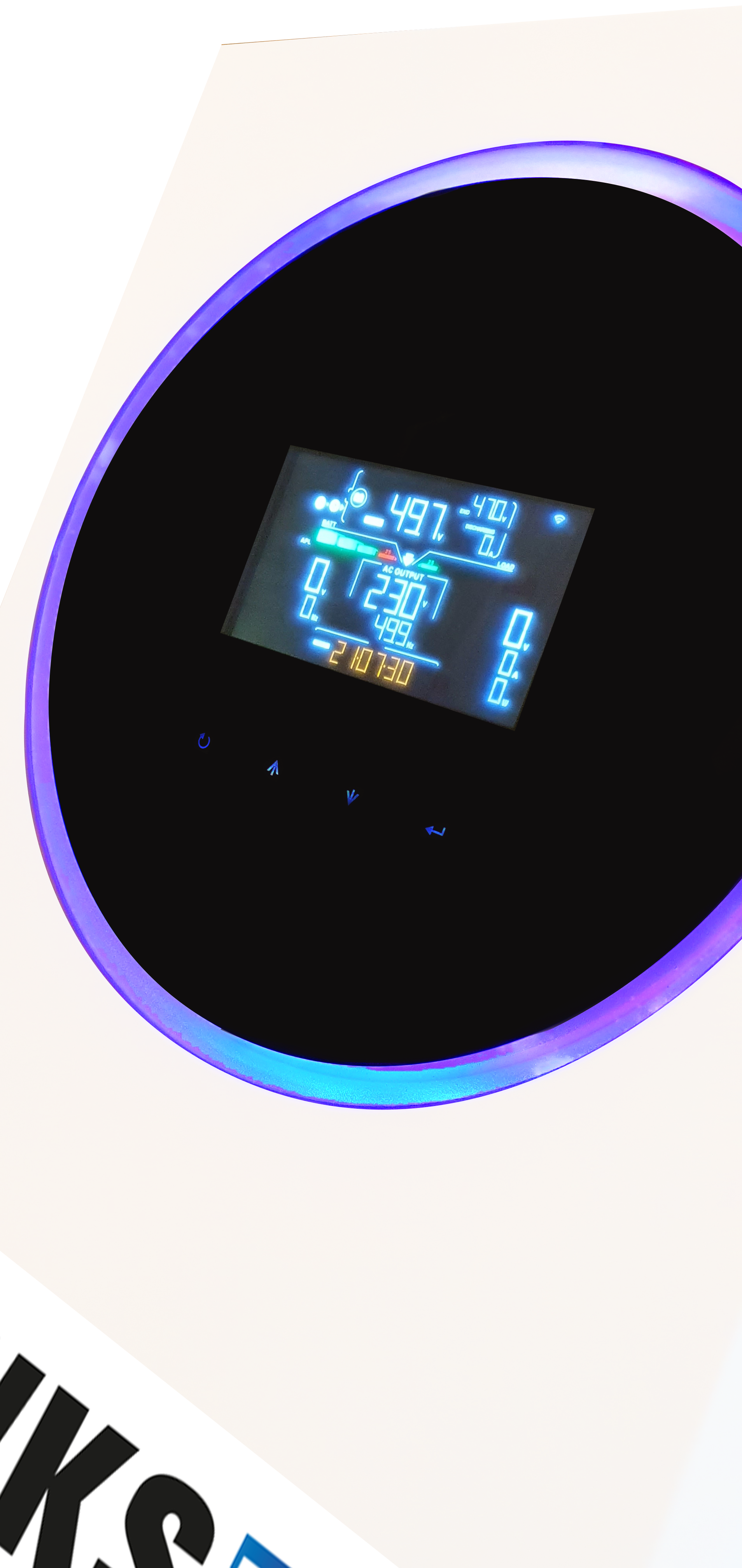
• Circular scrolling: Enjoy fast and continuous scrolling of the selected color in a circular motion.
• Wheel: Illuminate your space with twinkling lights in the color of your choice.
• Chasing: Create a captivating light effect by shining the chosen color from top to bottom in the circle.
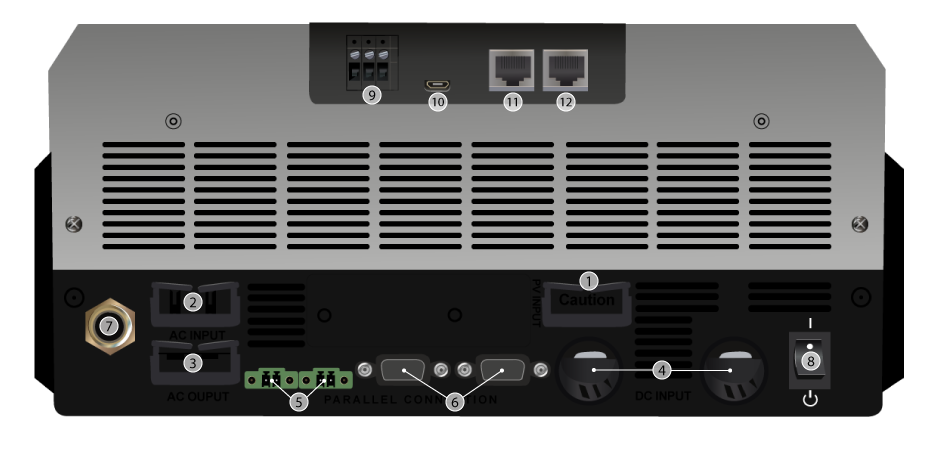
1. PV Connectors
2. AC Input Connectors
3. AC output connectors (load connection)
4. Battery connectors
5. Power sharing port
6. Parallel communication port
7. Circuit breaker
8. Power switch
9. Dry contact
10. USB port as a USB communication port and USB function port
11. RS-232 communication port
12. BMS communication port: CAN, RS-485 or RS-232
• Adjusting the battery charging current
• Ability to limit or prohibit network loading
• Input voltage from 110 to 280V (useful for fluctuating networks)
• Economy mode (limiting self-consumption)
• Fine-tuning of battery charging characteristics
• Automatic restart in case of overload and over-temperature
• Possibility of limiting battery discharge in order to preserve their lifespan
• Configurable battery mode return voltage
• Low battery safety
 Multi-energy power supply
Example: for a power consumption requirement of 3kW, you could have a configuration:
This multi-power supply technique makes it possible to significantly reduce the battery bank and extend its lifespan.
This inverter accepts up to 6000 Wp of photovoltaic panels, and can connect to the grid or another renewable energy source if solar production is insufficient.
Applications:
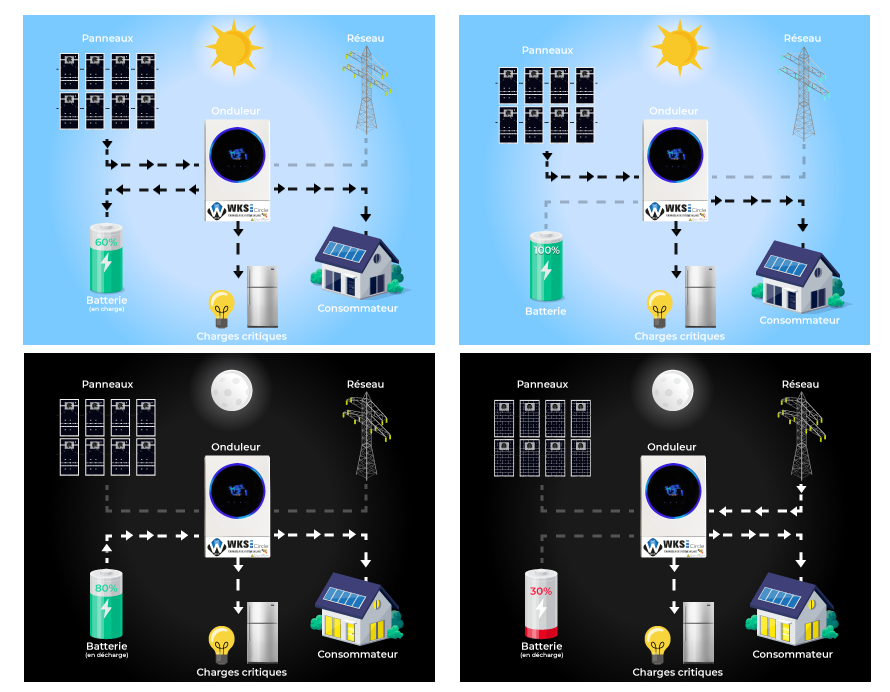
• If PV production matches consumption, the inverter neither charges nor discharges the battery.
• If PV production exceeds consumption, the surplus energy is stored in the battery.
• If PV production is less than consumption, the battery discharges to supply energy to the loads.
• If there is no PV production and the battery is discharged, the grid will take over.

It is possible to use the inverter as a backup power supply, without photovoltaic panels. In this mode, the inverter will act as a UPS (Uninterruptible Power Supply), protecting your devices from power outages.
The UPS protects computers, audiovisual equipment, and other sensitive loads by providing a stable current. It ensures an uninterrupted power supply to consumers.
The electricity produced from these pure sine wave inverters is stable.
It is possible to protect only one or more rooms in your house by using the distribution box.

In this configuration, the inverter uses the panels to power the appliances and charge the batteries when the sun is shining. The inverter draws power from the batteries to ensure energy distribution at night.
It is possible to add a generator set to the AC input of the inverter to provide backup power.
The inverter only draws power from the grid if the batteries are empty and solar production was insufficient to cover consumption.
The inverter never feeds current back into the electrical grid.
As with the "backup" mode, it's possible to connect only part of your home electrical system to the inverter. The devices connected to the inverter will always have power, even in the event of a power outage. What's more, these devices will be powered free of charge!
 Pure Sinus Converter
The WKS is a pure sine wave inverter that reproduces current of similar quality to that of the public grid. It can be used to power all types of devices.
The WKS incorporates an MPPT charge controller developing a maximum charging current of 120A

The WKS also features Maximum Power Point Tracking (MPPT) technology, meaning it continuously searches for the maximum power point, thus maximizing the performance of the photovoltaic panels. In addition to providing a power boost to an installation, it optimizes battery charging and extends battery life. It scans the panel voltage to find the maximum power output point and can adjust the voltage supplied by the panel to match the voltage the battery can receive.
 Option to choose the operating mode via timer
You can determine the operating mode of your device using a timer. Set a time range yourself in the settings.
With this setting, you define the priority of your inverter's output source to, for example, choose to recharge your batteries during off-peak hours.


WatchPower 1.17SP1
WatchPower 1.17SP3


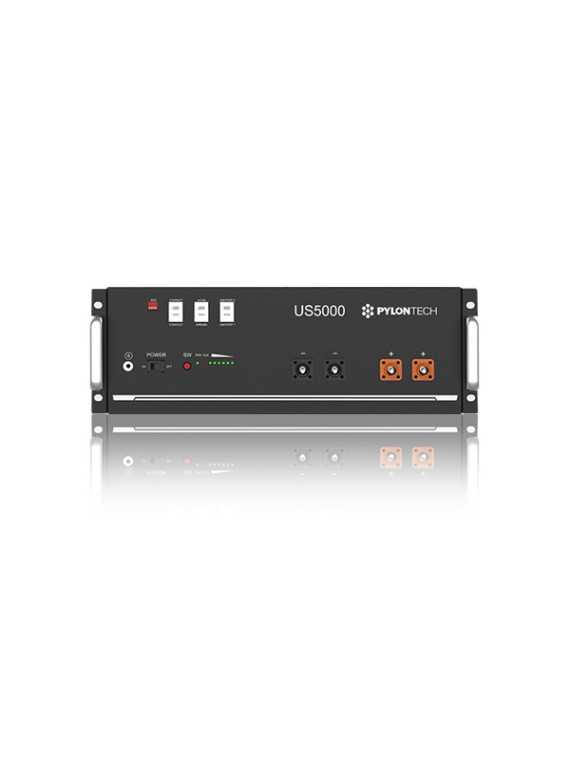
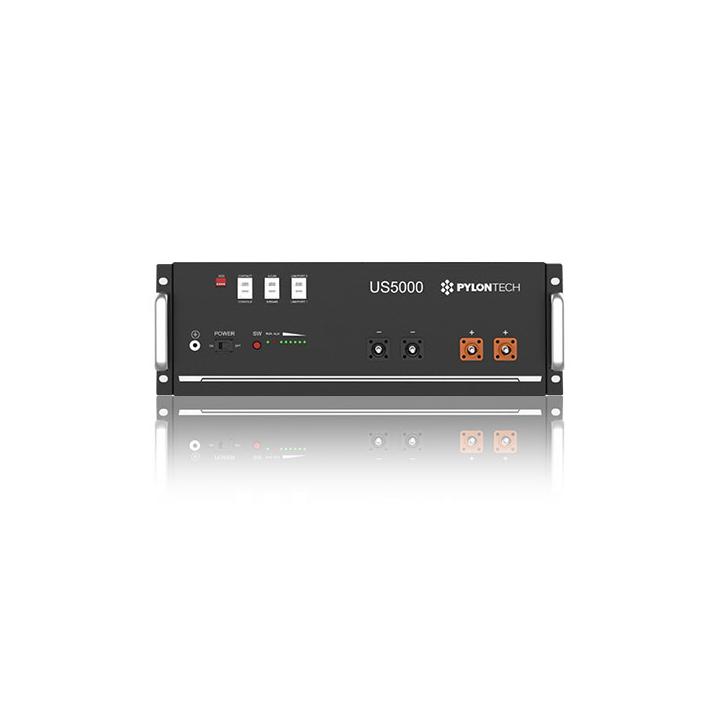
The Pylontech US5000 battery is a new, versatile energy storage product that provides reliable power with soft start to reduce current spikes. It features dual BMS protection, automatically adjusts the address in multiple connections, and supports wake-up via RJ45 signal. It allows for a 95% depth of discharge, meets environmental standards, and uses LiFePO4 for enhanced safety. The battery management system provides automatic protection and balancing. Compact, lightweight, and self-cooling, it offers low self-discharge, no memory effect, and is suitable for flexible parallel configurations.
We chose Pylontech lithium batteries for multiple reasons:
• Product warranty of 7 to 10 years;
• A very fast charging/discharging speed;
• Possibility of upgrading capacity whenever you want afterwards;
• No technical capacity limit.
|
Important notice for our customers in Belgium:
|

Professional Version - Technical Document
This document details the complete procedure for performing a Microcontroller (MCU) update on inverters. This operation is essential to maintain optimal equipment performance and integrate the latest software improvements.
A correctly performed update ensures proper inverter operation and extends its lifespan. It is crucial to follow this procedure step by step to avoid any malfunction.
An interrupted update can render the inverter unusable.
Do not disconnect power from the computer or inverter during the procedure.
Avoid putting the computer to sleep during the update.
Ensure your computer battery is sufficiently charged or the computer is plugged into mains power.
Back up all important data before starting the procedure.
Microcontroller, the main "brain" of the inverter
Digital Signal Processor, processor specialized for signal processing
Serial communication port used for connection between computer and inverter
Serial communication standard for data transmission
In case of persistent difficulty or technical questions, our support team is at your disposal:
Please have your exact inverter model and any error codes available when contacting us.
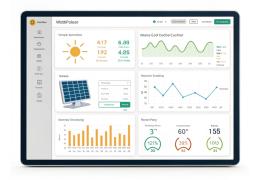 WatchPower: A Comprehensive Guide to Monitoring Your Solar Inverter
Inverter Pack Mono 11.2 kW – Battery 9.60 kWh by Wattuneed is available in our Solar kit catalog. Product weight: 166.1 kg. Reference: 2Xcircle-2XUS5000.
check_circle
check_circle


 Decoding inverter information to make the right choice