Take full advantage of your Solar iBoost + installation and optimize your self-consumption. The Solar iBoost + intelligent housing automatically directs the unused current to the hot water cylinder instead of sending it on the network and thus maximizes production.
Attention, to have the guarantee, the Solar iBoost+ must be installed by a professional.
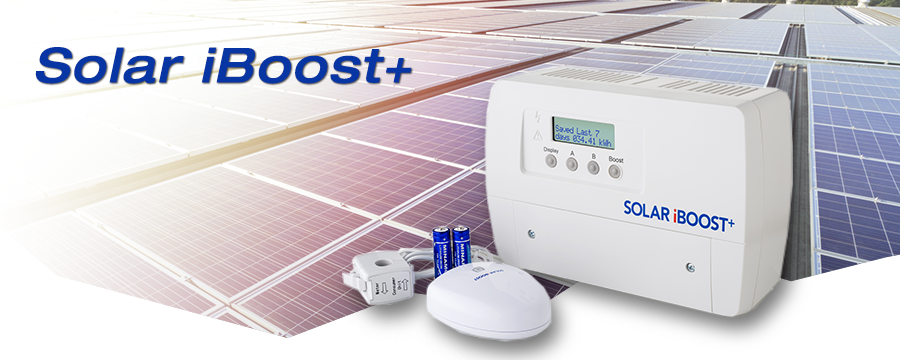
Take full advantage of your Solar iBoost + installation and optimize your self-consumption. The Solar iBoost + intelligent housing automatically directs the unused current to the hot water cylinder instead of sending it on the network and thus maximizes production.
Solar iBoost + is compatible with the majority of electric hot water tanks (water heaters with electric resistors), it is easy to connect and does not require the purchase of additional equipment.
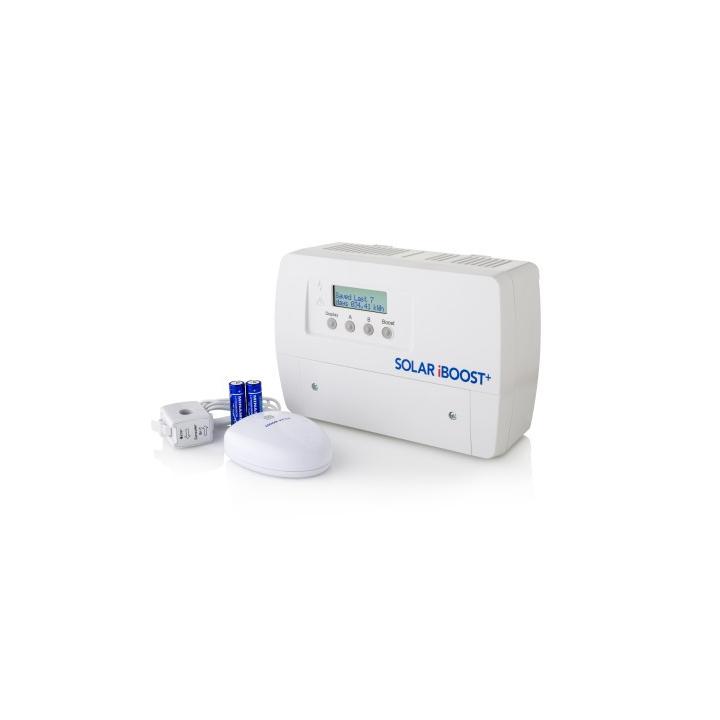
When photovoltaic panels produce electricity, power is initially used by household appliances. If the house does not consume enough, the energy will be injected into the network and therefore lost! Solar iBoost + detects it and will therefore direct the electricity to the hot water tank. The water in the balloon, which is heated by photovoltaic production, makes it possible to realize substantial savings and it is estimated that the return on investment period is generally between 2 and 5 years. It is an intensity transformer connected to the Solar iBoost + box that allows to control the flow exported to the network.
An LCD screen displays the saved power and charging power. If the photovoltaic production is insufficient, the programmable function "boost timer" allows an effective relay by activating the power consumption from the network.
Attention, to have the guarantee, the Solar iBoost+ must be installed by a professional.

Professional Version - Technical Document
This document details the complete procedure for performing a Microcontroller (MCU) update on inverters. This operation is essential to maintain optimal equipment performance and integrate the latest software improvements.
A correctly performed update ensures proper inverter operation and extends its lifespan. It is crucial to follow this procedure step by step to avoid any malfunction.
An interrupted update can render the inverter unusable.
Do not disconnect power from the computer or inverter during the procedure.
Avoid putting the computer to sleep during the update.
Ensure your computer battery is sufficiently charged or the computer is plugged into mains power.
Back up all important data before starting the procedure.
Microcontroller, the main "brain" of the inverter
Digital Signal Processor, processor specialized for signal processing
Serial communication port used for connection between computer and inverter
Serial communication standard for data transmission
In case of persistent difficulty or technical questions, our support team is at your disposal:
Please have your exact inverter model and any error codes available when contacting us.
Solar iBoost+ by Wattuneed is available in our Heating and air conditioning catalog. Product weight: 0.8 kg. Reference: 10085.
check_circle
check_circle