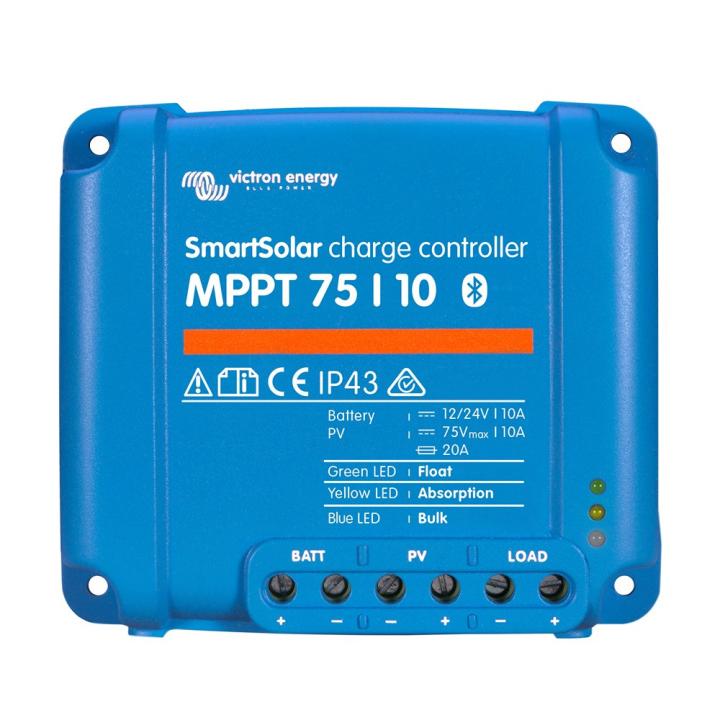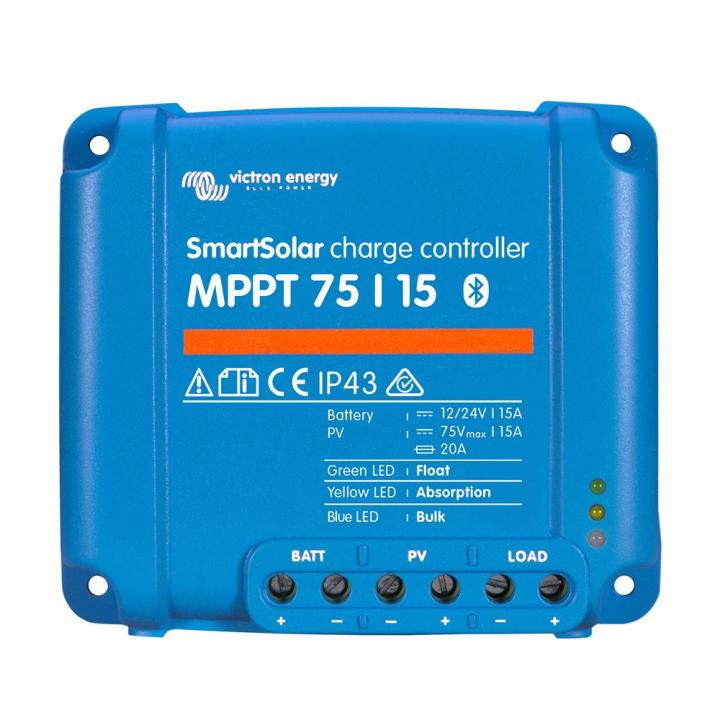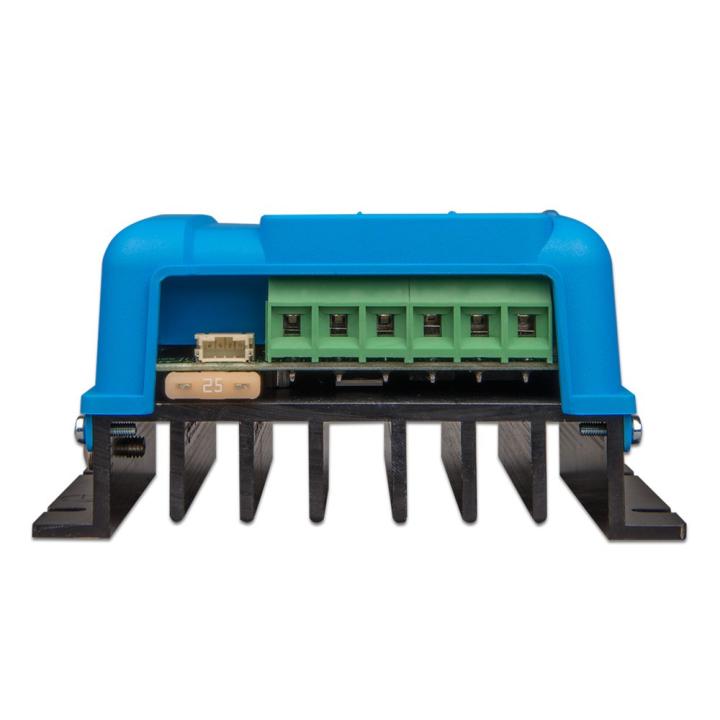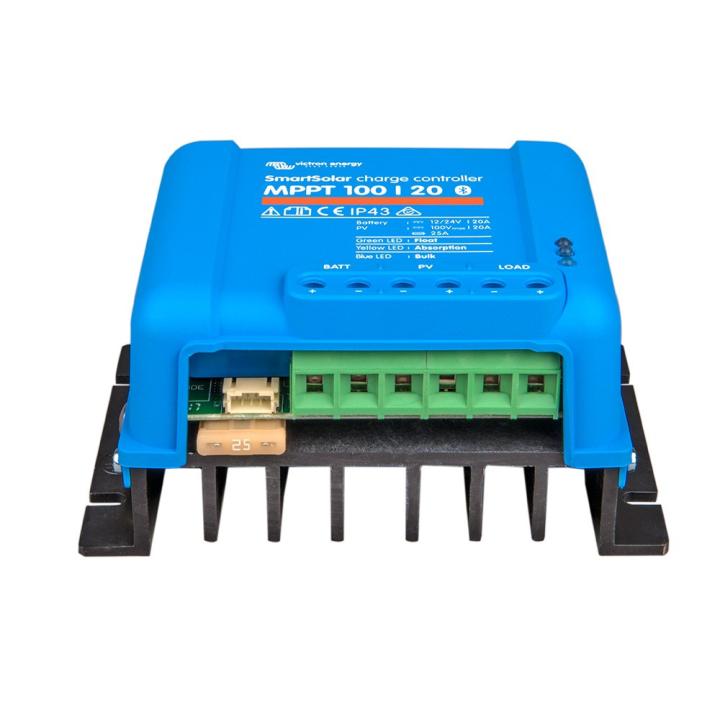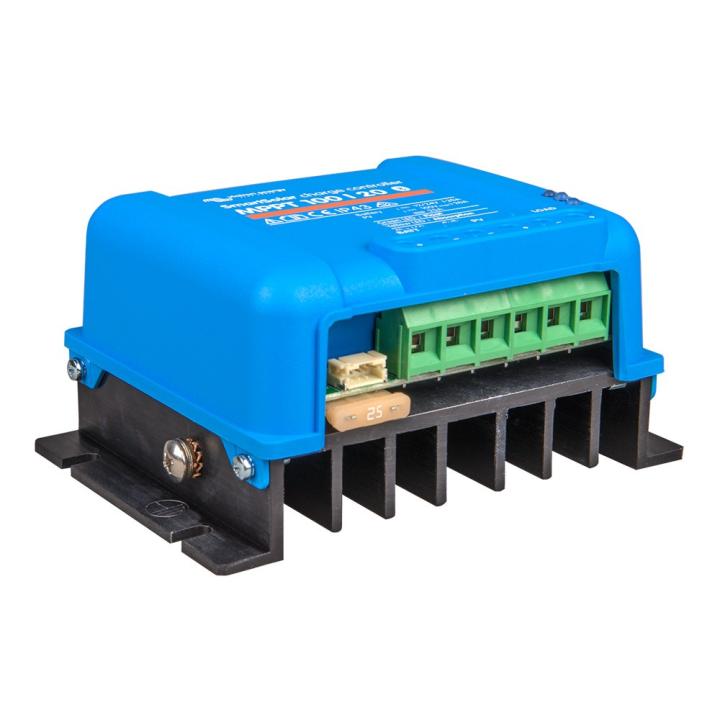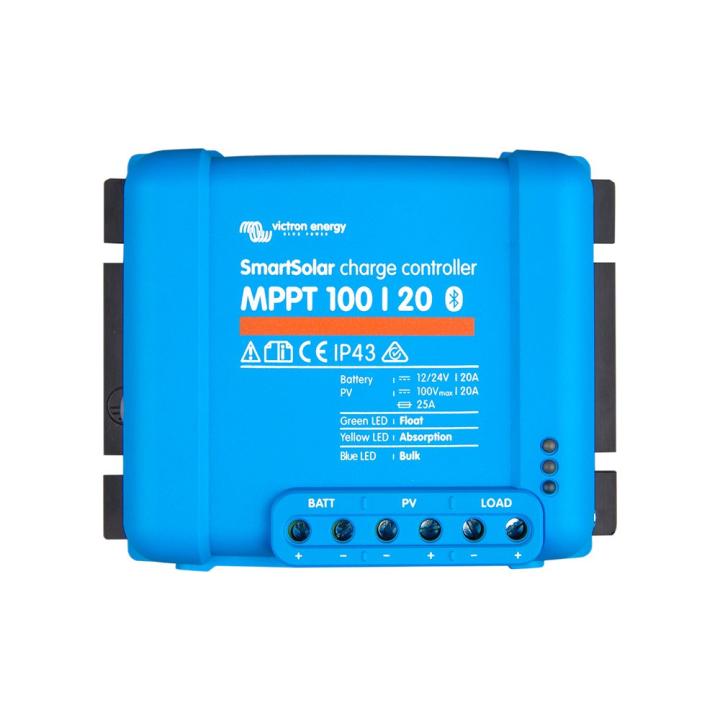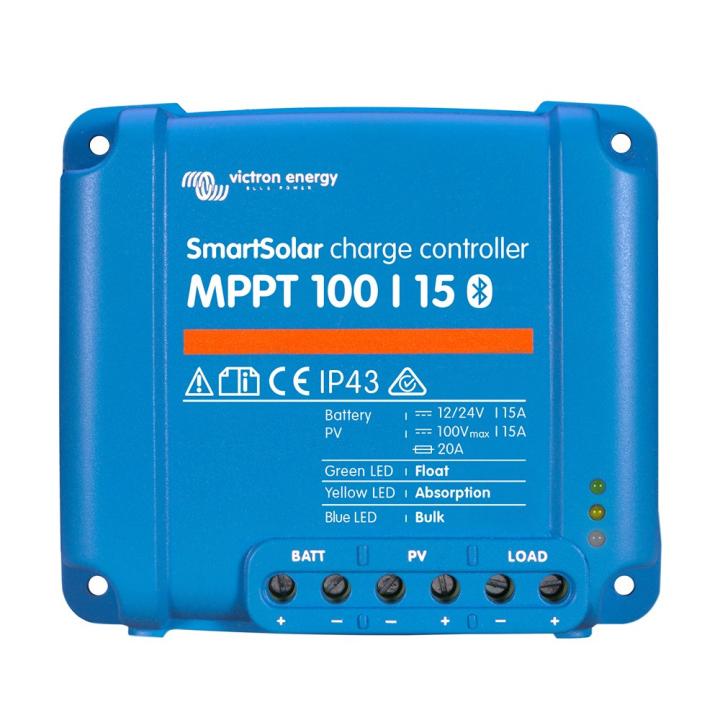
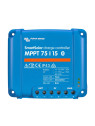
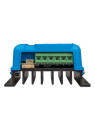
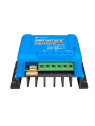
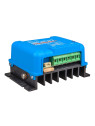
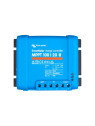
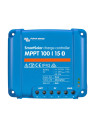
SmartSolar is packed with features and options. These ultra-fast, highly efficient Maximum Power Point Tracking (MPPT) solar charge controllers have it all: optimum performance, partial-shade performance optimization, programmable battery algorithms, street lighting functions and more. Smart is designed with integrated Bluetooth for monitoring and control with VictronConnect. Options include remote monitoring over the Internet via the VRM portal, also a plug-in LCD display for larger models.
VE.Direct
For wired data connection to a Color Control panel, PC or other devices.
Ultra-fast MPPT tracking
When light intensity is constantly changing, especially under cloudy skies, a fast MPPT algorithm will improve energy harvesting by up to 30% compared to PWM (pulse width modulation) charge controllers, and by up to 10% compared to slower MPPT controllers.
Load output
Excessive battery discharge can be prevented by connecting all loads to the load output. The load output will disconnect the load when the battery has been discharged to a predetermined voltage. Alternatively, an intelligent battery management algorithm can be selected: BatteryLife. The charging output is protected against short-circuits. Loads with a high inrush current are best connected directly to the battery. If they have a remote ON/OFF input, these loads can be controlled by connecting the controller's load output to this input.
BatteryLife: intelligent battery management
When a solar charge controller can't fully recharge the battery in a single day, the result is often that the battery constantly alternates between a "partly charged" and an "end-of-discharge" state. This mode of operation (non-regular full recharge) will damage lead-acid batteries within a few weeks or months. BatteryLife's algorithm will monitor the battery's state of charge, and if necessary, slightly increase the charge disconnection level day by day (i.e. disconnect the charge earlier), until the solar energy generated is sufficient to recharge the battery to close to 100% capacity. From then on, the level of load disconnection will be modulated so that a recharge of close to 100% is achieved at least once a week.
Internal temperature sensor.
It compensates absorption and float charge voltages according to temperature.
Automatic battery voltage recognition
The controller will automatically adjust to a 12 or 24 V system only once. If a different system voltage is required at a later stage, the change will have to be made manually, for example using the Bluetooth application.
Three-step charging
The controller is configured for a three-stage charging process: Bulk -
Absorption - Float.
Bulk
During this stage, the controller delivers as much current as possible to rapidly recharge the batteries.
Absorption
When the battery voltage reaches the absorption voltage, the controller switches to constant voltage mode. During shallow battery discharges, the absorption charge time is limited to prevent overcharging. After a deep discharge, the absorption period is automatically increased to ensure the battery is fully recharged. The absorption period also ends when the charging current falls below 1A.
Float
During this stage, Float voltage is applied to the battery to maintain a full state of charge. When the battery voltage drops below the Float voltage for at least 1 minute, a new charge cycle is triggered.
Configuration and supervision
- Bluetooth Smart (integrated): for connection to a smartphone or tablet running iOS or Android.
- Use the VE.Direct-USB cable (ASS030530000) to connect to a PC, a smartphone
Android smartphone and On-The-Go USB stick (OTG USB cable required).
USB cable required).
- Use a VE.Direct-VE.Direct cable to connect to the MPPT Control or a Color Control panel.
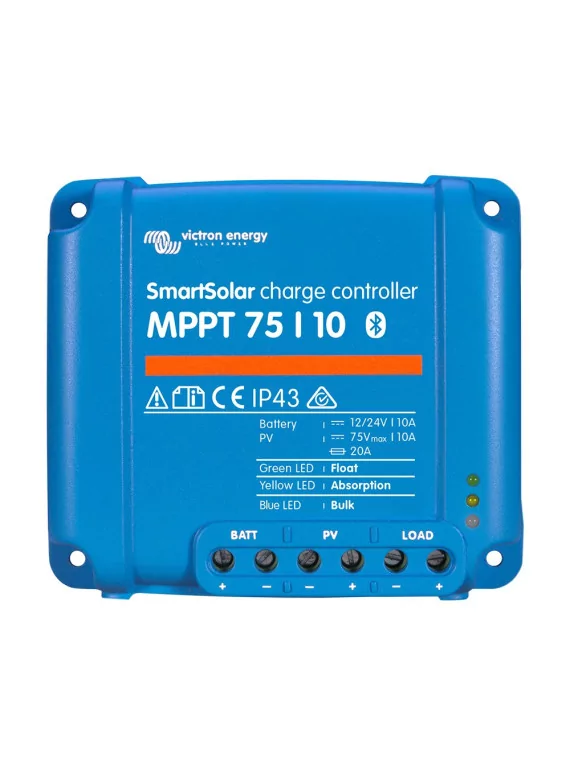
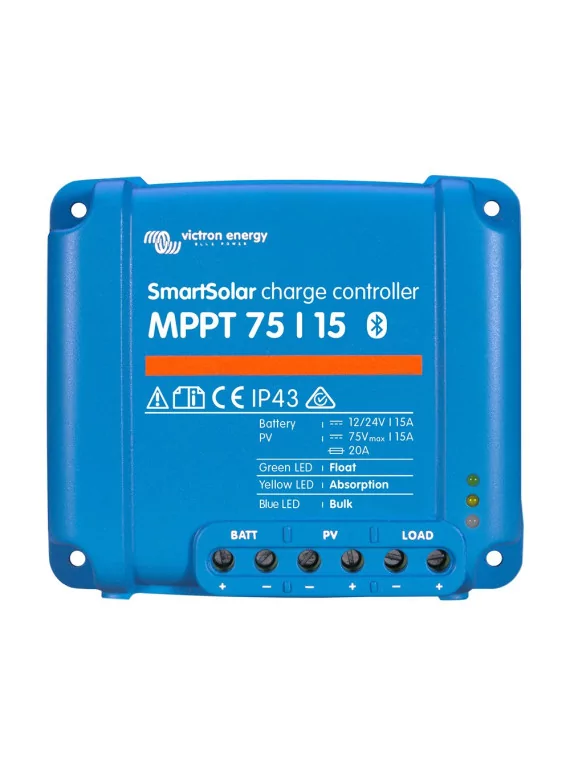
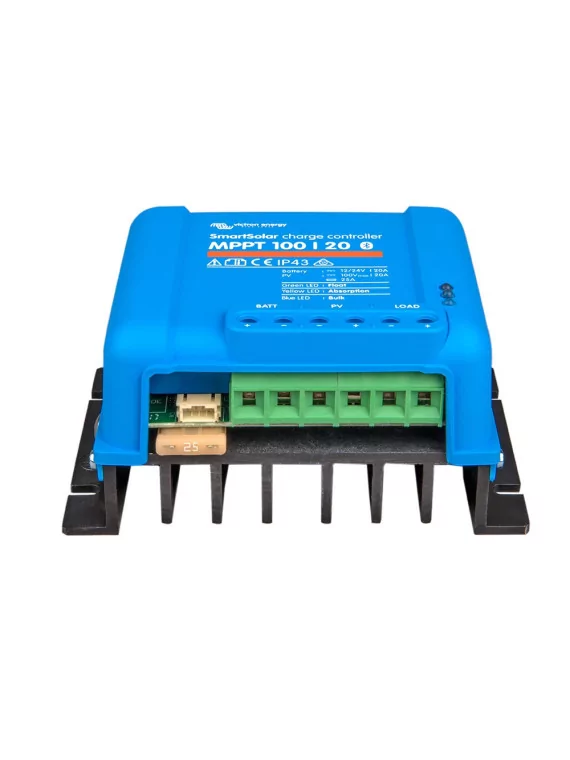
| SmartSolar Charge Controller |
MPPT 75/10 |
MPPT 75/15 |
MPPT 100/15 |
MPPT 100/20 |
| Battery voltage |
Automatic selection 12/24 V |
| Maximum battery current |
10 A |
15 A |
15 A |
20 A |
1
| 2 V 1a, b) |
145 W |
220 W |
220W |
290W |
| PV rated power, 24 V 1a, b) |
290 W |
440 W |
440W |
| Max. |
| PV short-circuit current 2) |
13 A |
15 A |
15A |
20A |
| Automatic load disconnection |
Yes, maximum load 15 A |
Yes, |
| maximum load 20 A |
| Maximum PV open-circuit voltage |
75 V maximum under cold conditions
74 V for start-up and normal operation |
100V |
100V |
| "Absorption" charging voltage |
14,4 V/28.8 V (adjustable) |
| "Equalization" charging voltage |
16.2 V/32.4 V (adjustable) |
| "Float" charging voltage |
13.8 V/27.6 V (adjustable) |
| Charging algorithm |
Adaptive multi-step or user-defined algorithm |
| Temperature compensation |
| mV / °C resp. |
| -32 mV / °C |
| Continuous charging current |
15 A |
20 A |
| Reduced voltage charge disconnection |
11.1 V / 22.2 V or 11.8V / 23.6V or BatteryLife algorithm |
| Reduced voltage charge reconnection |
13.1 V / 26,2 V or 14 V / 28 V or BatteryLife algorithm |
| Protection |
Battery polarity reversal (fuse)
Output short-circuit
Overheating |
| Operating temperature |
| to +60°C (rated output power up to 40°C) |
| Humidity |
100 %, |
| non-condensing |
| Maximum altitude |
5000 m (full rated output up to 2000 m) |
| Environmental conditions |
Indoor Type 1, without air conditioning |
| Data communication port |
VE.Direct or Bluetooth |
| Power terminals |
| mm² / AWG10 |
| Degree of protection |
IP43 (electronic components)
IP 22 (connection area) |
| Weight |
| .5 kg |
| .6 kg |
| ,65 kg |
| Dimensions (h x w x d) |
100 x 113 x 40 mm |
100 x 113 x 50 mm |
100 x 113 x 60 mm |
) If a higher PV power is connected, the controller will limit the input power
1b) The PV voltage must exceed Vbat + 5 V for the controller to switch on.
Thereafter, the minimum PV voltage must be Vbat + 1 V.
2) A higher short-circuit current could damage the controller in the event of reversed polarity of the PV field. |

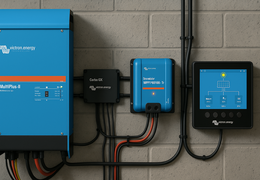 Multiplus 2, SmartSolar, Cerbo : l’univers Victron décrypté