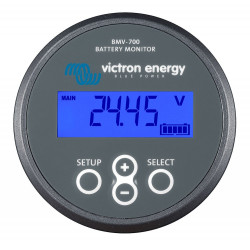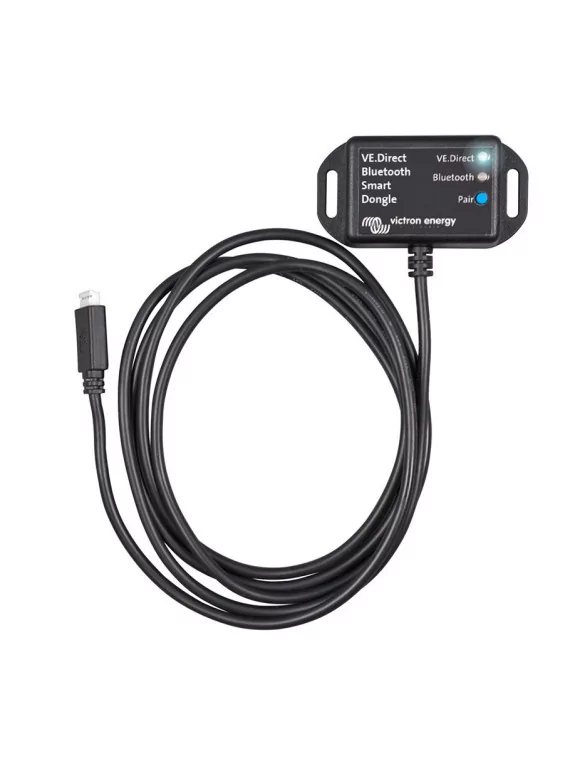
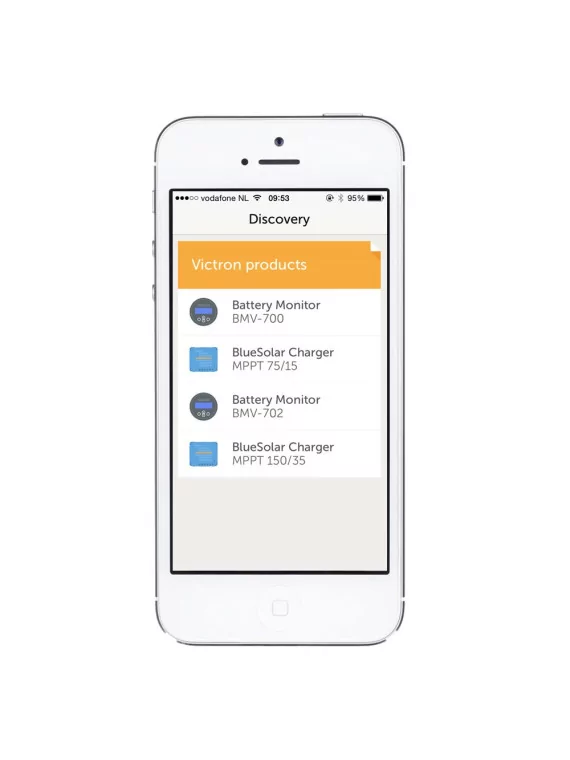
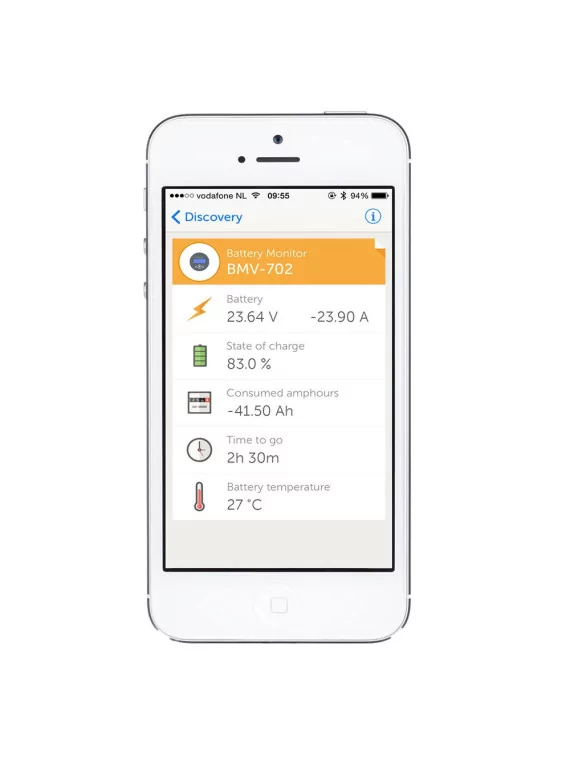
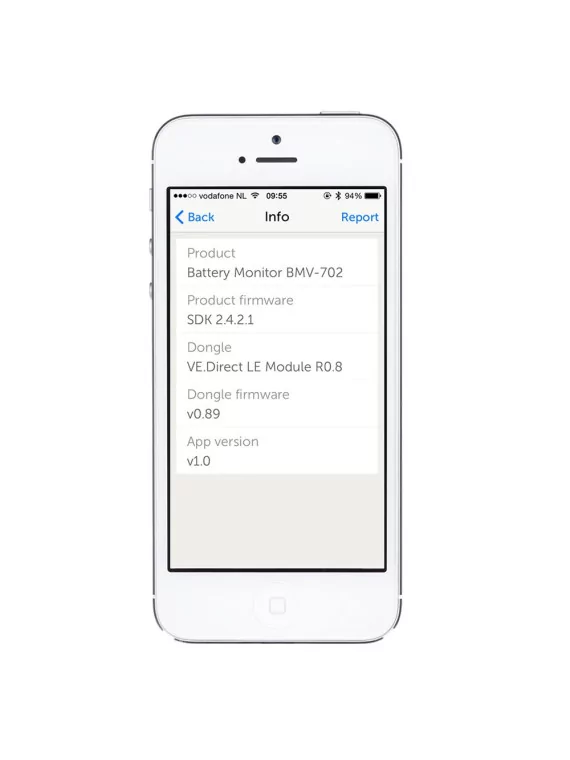
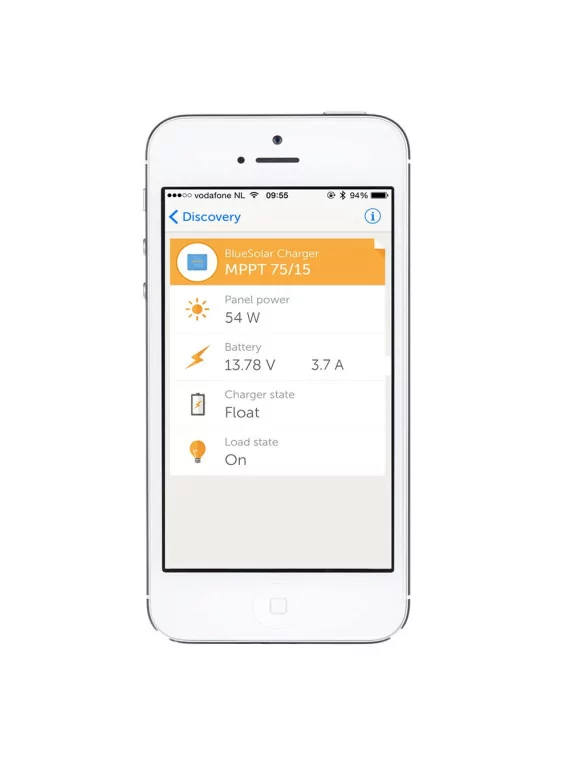
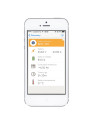
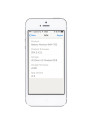
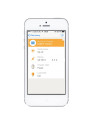
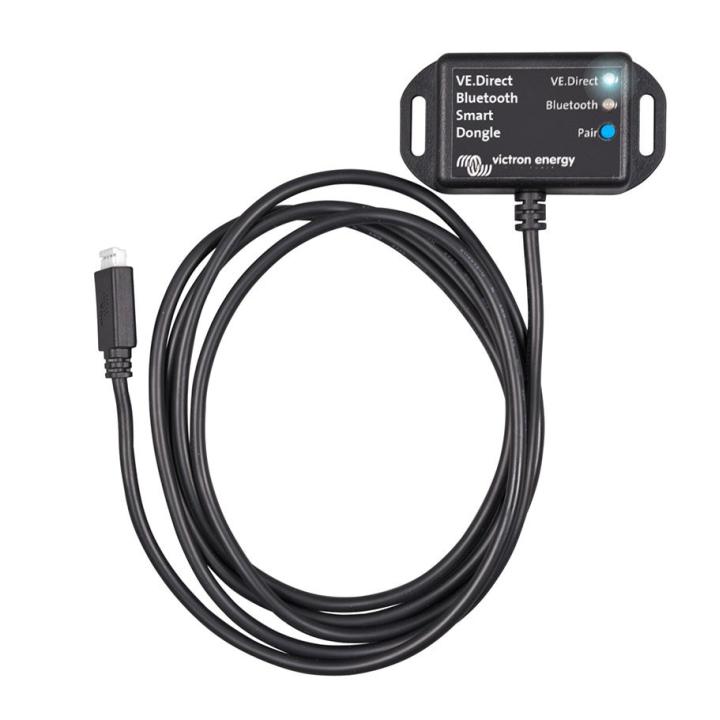
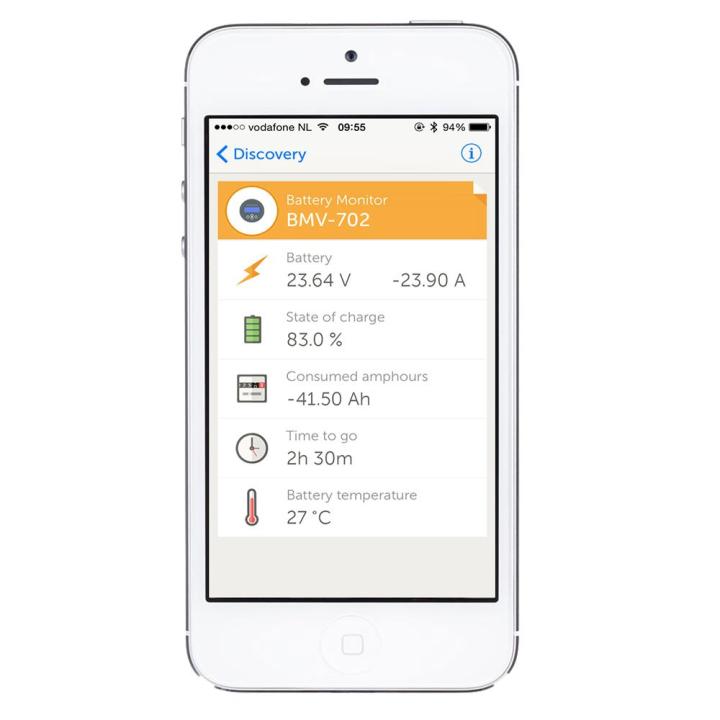
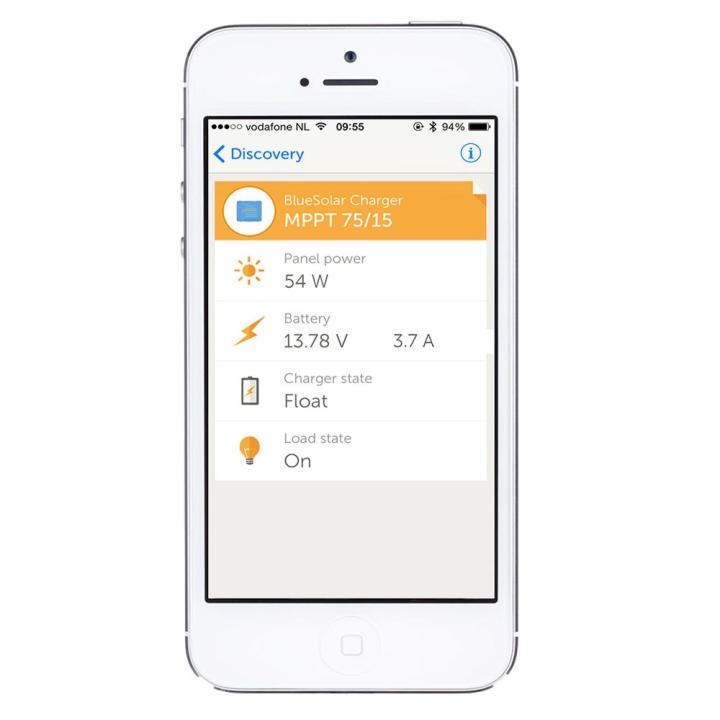
Using the VE.Direct to Bluetooth Smart dongle you can display your BMV or MPPT information on iOS and Android devices, using the VictronConnect app. View information wirelessly such as battery status and solar panel power, plus other useful data.
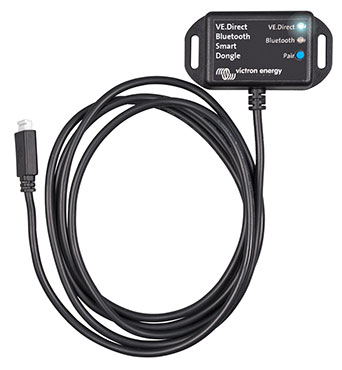
Using the VE.Direct to Bluetooth Smart dongle you can display your BMV or MPPT information on iOS and Android devices, using the VictronConnect app. View information wirelessly such as battery status and solar panel power, plus other useful data.
The dongle is able to read data from the BMV-70x series battery monitors and MPPT Solar Charge Controllers (except for the 150/70 and 150/85) using the VE.Direct communication port.
The Victron VE.Direct Bluetooth Smart dongle uses Bluetooth Low Energy, which is a technology for the Internet of Things (IoT).
The dongle can be connected to all Victron products that have a built-in VE.Direct port ...
Windows PC
Minimum supported version is Windows XP.
Windows version doesn't include bluetooth support. For use only with VE.Direct to USB interface.
Mac OS X
Minimum OS X version: 10.6.6
Android devices :
List of tested Android phones:
| Manufacturer | Model | OTG support | Bluetooth Smart support |
| HTC | Desire 610 | Yes | ? |
| Huawei | Nexus 6P | ? | Yes |
| Samsung | Samsung Galaxy S6 | Yes | Yes |
| Samsung | Samsung Galaxy S4 | Yes | Yes |
| Samsung | Galaxy S3 Mini | No | ? |
| Samsung | Galaxy S2 | Yes | No |
| Samsung | Samsung Galaxy Note II | Yes | Yes |
| Motorola | Moto G (2014) | Yes | Yes |
List of tested Android tablets:
| Manufacturer | Model | OTG support | Bluetooth Smart support |
| Samsung | Galaxy Tab E SM-T560 | Yes | Yes |
| Samsung | Galaxy Tab 4 8“ | Yes | ? |
| Asus | Nexus 7 | Yes | ? |
Download the Victron Connect App for IPhone and IPad
Default pin code is 000000 but you can change the pin code after the 1st connecting.

Victron VE.Direct Bluetooth Smart dongle van Victron Energy is beschikbaar in de categorie Victron Energy van onze catalogus.
Productgewicht: 0.1 kg. Referentie: ASS030536011.


check_circle
check_circle